AppPriceData
Observed data
AppPriceData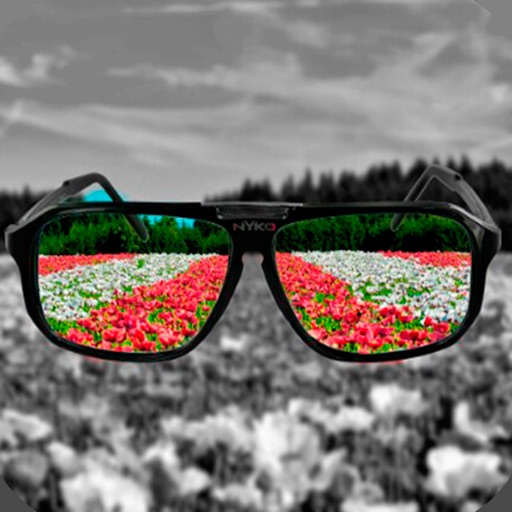
Mireia Lluch Ortola
HOW TO USE:
Items currently visible on Apple’s public App Store page. This may not be the complete App Store Connect catalog.
Source: Apple public App Store page · Publicly visible items only
HOW TO USE:
- Select a photo from the gallery by pressing the camera button.
- Paint with your finger the part of the photo that you want to be colored.
- You can change the size of the brush with the slider bar.
- You can zoom the photo and move it to better paint the areas of the photo in color.
- If you move the photo, you can press the button with the four arrows to put the photo back in place.
- If you have made a mistake in a stroke, you can press the undo button.
- You have a magnifying glass window to better see what you are painting with your finger.
- Share the photo with your friends on your social networks or through messaging applications.
Quick answers based on the latest observed App Store data.
The latest observed download price is Free. Open the official App Store link to confirm the current checkout price.
Apple's public page currently shows 0 purchase items in this storefront. The public list may be incomplete.